SwimMan Waterproofs the iPod shuffle
Although I run regularly and enjoy splashing around in our pond, I’m a thoroughly mediocre swimmer. The summer after my freshman year of Cornell, when I was 18, I did lap swimming several times a week with a friend who worked with my mother. At 36, Anne was twice as old as I was, and having been the Alaska state backstroke champion, she was also twice as fast. She could swim a mile in 30 minutes at lunch while I flailed hard to cover half that distance.
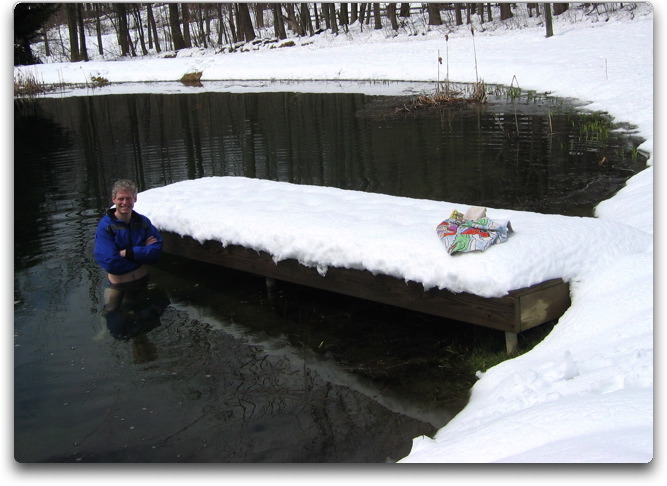
I’ve never done lap swimming since, because you can’t have conversations with friends while doing it, and also because looking at the bottom of a blue pool for 30 minutes while trying not to inhale chlorinated water simply doesn’t give me a rush like running through wooded trails. But I’m contemplating a triathlon next year, when I turn 40, so some lap training in the pond might be in order, and an iPod could help while away the repetitive back-and-forth time. I haven’t tried this yet, since the pond is still good only for cryotherapy.
“But but but,” you sputter, “you can’t swim with an iPod!” Ah, but it turns out you can, thanks to a company called SwimMan, which sells waterproofed second-generation iPod shuffles ($150) and waterproof headsets ($100), separately or in a bundle ($250). If you already own a second-generation iPod shuffle, you can send it to SwimMan and have it waterproofed for $75. SwimMan claims that a waterproofed iPod shuffle looks and works exactly like a normal one, but since the waterproofing is entirely on the inside of the case, the On/Off button and the Shuffle button will be rendered inoperative, and the other buttons will be a bit stiffer. The company says you can replicate the function of the
on/off button by pressing the center button for On and disconnecting the headphones for Off; the Shuffle button’s functionality can reportedly be controlled from iTunes when the iPod is connected to your computer.