How to Pronounce Myanmar
Recently I’ve heard the name Myanmar pronounced several different ways on news broadcasts, and I was curious to know what the officially correct pronunciation was. So I looked it up in Leopard’s built-in dictionary. Wow.
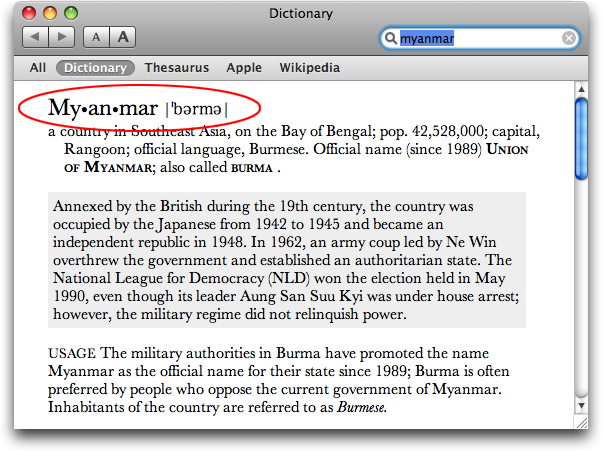
Other dictionaries offer a wide range of suggested pronunciations, but Apple’s definitely takes the cake.
Update — A couple of people wrote to say that Dictionary on their systems (running Mac OS X 10.5.2, just like mine) had the correct pronunciation shown. Reader Jonathan Lundell solved the mystery. Dictionary has three different options for displaying the pronunciation key, which you can select in the Preferences window: US English (Diacritical), US English (IPA), and British English (IPA). It turns out that only the two IPA (international phonetic alphabet) choices show the pronunciation of “Burma”; the US English (Diacritical) pronunciation is correct. Mine is set to US English (IPA).